Best POS for Multi-Location Retail Stores (2026)

The best POS for multi-location retail stores is the one that keeps inventory, reporting, and pricing under control as you add stores. For most growing independents and regional chains, PHP Point of Sale is the top pick: cloud plans start at $54.00 per location per month on annual billing ($59.00 monthly), with unlimited registers and employees per location and tools built for store-to-store stock control. Prices shown are for the United States; see the pricing page for your country.
Retailers searching this keyword usually need more than a second login. They need transfers, centralized visibility, and a monthly bill that does not explode when a third or fourth location opens. This guide ranks five real options and shows what to check before you standardize.
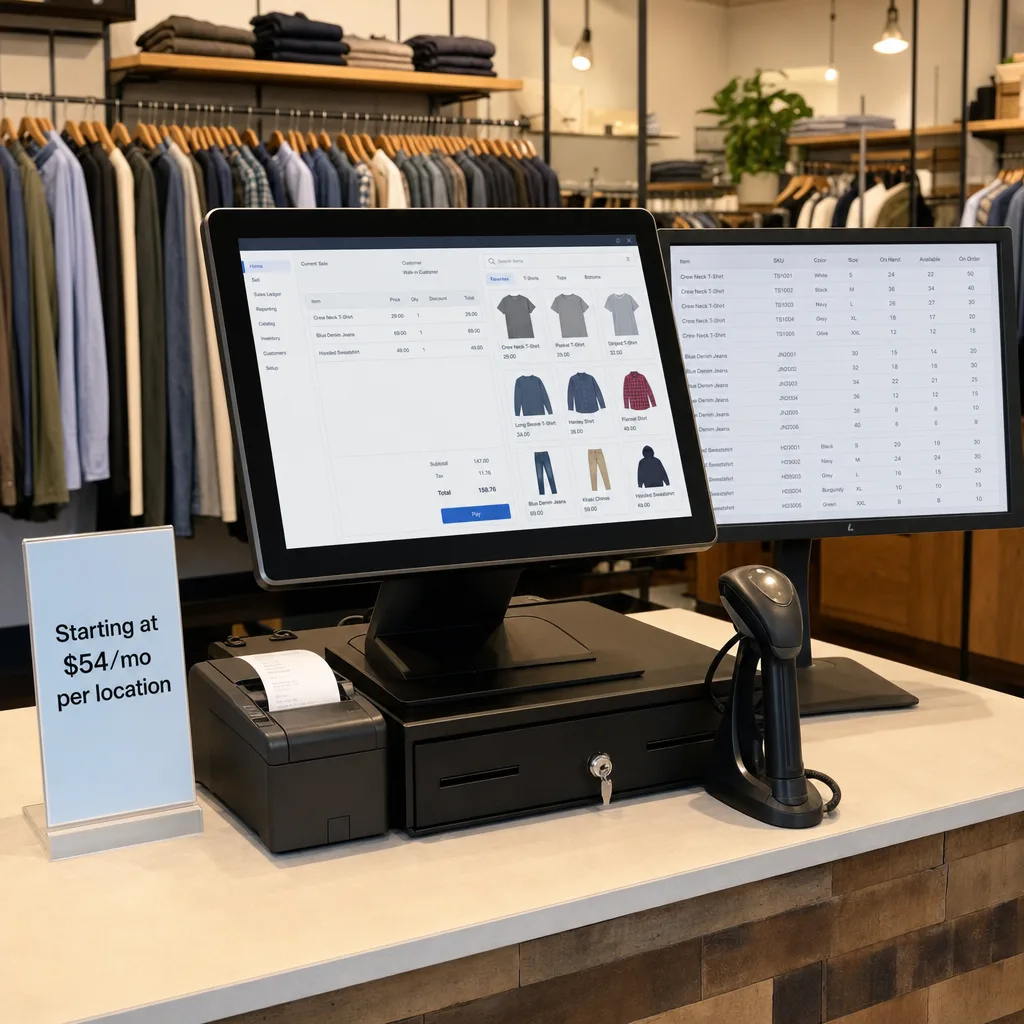
What is the best POS for multi-location retail stores?
The best POS for multi-location retail stores is PHP Point of Sale for inventory-led retailers who want per-location pricing and shared stock control without stacking per-register fees. You get checkout, purchase orders, transfers, and reporting across locations while each physical store stays on a predictable software line.
Other systems can work. Square fits light multi-site setups that stay simple. Clover suits hardware-bundle buyers. Shopify POS fits ecommerce-first brands already on Shopify. Lightspeed fits larger ops that need advanced modules and can pay higher tiers. Confirm current plans on the pricing page and core tools on the features page.
What features do multi-location retailers actually need?
Multi-location retailers need inventory that moves cleanly between stores, reporting that shows every location and the whole network, and permissions so managers see their store while owners see everything. They also need a pricing model that scales by address, not by every extra till or seasonal cashier.
Must-have checklist:
- Store-to-store transfers and receiving
- Shared or location-specific catalogs and pricing
- Central sales, stock, and employee reporting
- Unlimited or low-friction registers per location
- Ecommerce sync when you sell online too
For deeper inventory workflows, see advanced inventory POS. Buying guides such as Fieldstack's retail POS checklist and listicles like Quantic's best retail POS roundup are useful context, but your transfer and reporting needs should decide the shortlist.
How does multi-location POS pricing compare?
Multi-location pricing is where many "cheap" POS stacks fail. Per-device software, Pro add-ons, and higher retail tiers raise the bill with every store and every register. PHP Point of Sale prices cloud plans per location: Standard at $54.00 monthly on annual billing or $59.00 monthly, Pro at $79.00 or $84.00. Additional locations bill at a lower rate than the first — on Standard the first location is $59.00/mo and each additional location $54.00/mo billed monthly — so the per-store average falls as you add stores. Unlimited registers and employees per location are included on advertised plans.
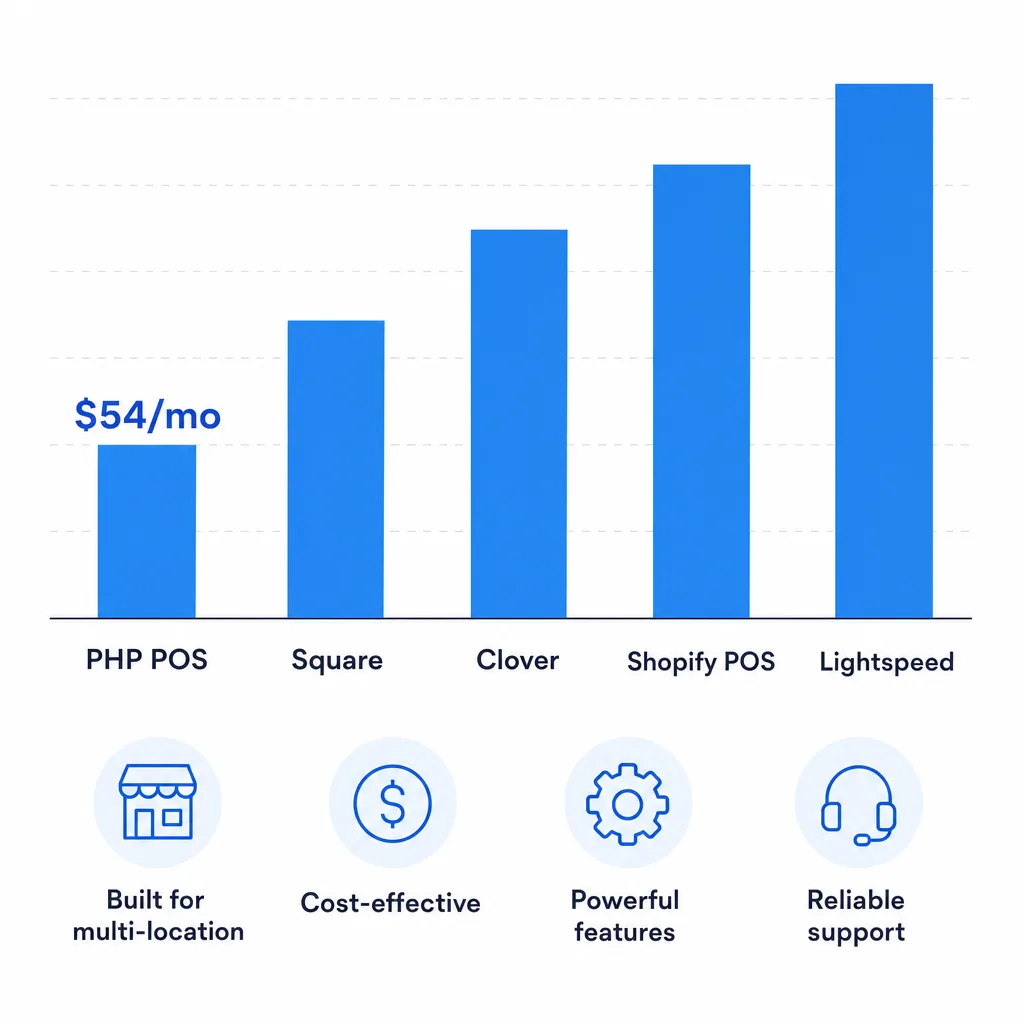
| POS system | Software starting price | Best for multi-location when |
|---|---|---|
| 1. PHP Point of Sale | $54.00/mo annual ($59.00 monthly) per location; Pro $79.00 to $84.00 | You need inventory transfers, unlimited registers per store, and predictable per-location cost |
| 2. Square POS | Free base plan, pay per transaction (third-party) | Light multi-site needs and simple inventory |
| 3. Clover | Monthly software plus hardware, often from about $60/mo (third-party) | You want bundled hardware at each address |
| 4. Shopify POS | Pro add-on about $89/mo on top of a Shopify plan (third-party) | You are already ecommerce-first on Shopify |
| 5. Lightspeed Retail | Plans commonly from about $89/mo billed annually (third-party) | You need advanced modules and can afford higher tiers |
Competitor figures above are third-party published starting prices and change over time. Model your own stack on the POS cost calculator with your location and register count before you renew.
Why does PHP POS fit multi-location retail well?
PHP POS fits multi-location retail because you pay mainly when you open another physical address, not when you add a till or hire seasonal staff at an existing store. Shared inventory and reporting keep stock from sitting in one location while another sells out, which is the daily pain of growing independents.
It also pairs with online selling through Shopify sync when you need one catalog across stores and the web. Compare workflows side by side on vs Square, vs Clover, vs Shopify, and vs Lightspeed.

When is another POS a better multi-location fit?
Another POS is a better fit when your needs sit outside PHP POS's sweet spot. Stay on Square if every location is a single light counter with minimal stock. Choose Clover if a bank or reseller hardware bundle is the deciding factor. Choose Shopify POS if ecommerce is the center of the business and brick-and-mortar is secondary. Choose Lightspeed if you need its advanced module set and the higher monthly cost is already in budget.
Vendor multi-location pages from systems such as Vibe Retail and Retail Edge show how competitors pitch the same problem. Use them for feature checklists, then score total cost and transfer workflows against your own stores.
How do you roll out a multi-location POS without chaos?
Roll out one location first, prove transfers and reporting, then add the rest on a fixed schedule. Export products, customers, and on-hand counts from the old system, import into the new one during a slow period, and keep the old POS read-only until counts match.
Train managers on receiving and transfers before go-live day. Start a free trial with two sample locations if you can, so you test the exact flows that will break if they are wrong.
Frequently asked questions
What is the best POS for multi-location retail stores in 2026? For most inventory-led independents and regional retailers, PHP Point of Sale is the best balance of multi-store inventory, reporting, and per-location pricing starting at $54.00 per month on annual billing. Square, Clover, Shopify POS, and Lightspeed remain fair options depending on hardware, ecommerce, or advanced-module needs.
Does multi-location POS pricing usually charge per store or per register? It depends on the vendor. PHP POS cloud plans are priced per location with unlimited registers per location on advertised plans. Many competitors add software cost per device, per employee, or via higher tiers as you grow. Always model both store count and register count.
Can I transfer inventory between locations? Yes on a true multi-location retail POS. You need send, receive, and clear on-hand updates so one store can replenish another without spreadsheet chaos. Confirm transfer workflows in a demo before you standardize.
How many locations can PHP POS support? Plans are sold per location, so you add a license when you open another physical address. You can buy up to 20 locations self-serve on the pricing page; beyond that, contact us for a quote.
Should I switch all locations at once? Usually no. Pilot one store, verify transfers and reporting, then roll out the rest. Keep a short overlap with the old system so you can fix count issues without stopping sales.
The bottom line
The best POS for multi-location retail stores keeps stock moving, reporting clear, and monthly cost tied to addresses instead of every register. PHP Point of Sale starts at $54.00 per location per month on annual billing, includes unlimited registers per location on advertised plans, and is built for retailers who grow store by store without wanting a surprise software stack at each new address.