Switching from Square to a Cheaper POS (2026 Guide)
Switching from Square to a cheaper POS works best when you treat cheaper as total monthly cost, not the free software line. For inventory-led retailers adding registers, PHP Point of Sale is often the cheaper all-in choice, with Standard plans from $54.00 per location per month on annual billing and unlimited registers and employees per location. Square still fits micro shops that only need basic payments on the free tier. Prices shown are for the United States; see the pricing page for your country.
This guide covers when to switch, how to migrate without losing data, what usually gets cheaper, and how to prove savings with a parallel sales day before you cancel Square.
When should you switch from Square to a cheaper POS?
You should switch from Square to a cheaper POS when paid retail features, processing volume, or a second register push total cost above the value you get. Stay if you are still happy on the free tier with a short catalog and one counter.
Switch signals retailers report most often:
- You live in spreadsheets for purchase orders or transfers
- Inventory accuracy slips between channels or locations
- Flat-rate processing feels high on your last three statements
- You need more stations without new software fees
- Paid Square retail tools still leave gaps in receiving or reporting
Read PHP POS vs Square and Is PHP POS worth it? before you commit to a cutover date.
What is the cheapest POS to switch to from Square?
The cheapest POS to switch to from Square depends on your setup. Staying on Square free is cheapest for payments-only shops. PHP Point of Sale is often cheapest for growing retailers that need inventory and multi-register floor operations without per-device software fees.
Use the True POS Cost Calculator with your register count, location count, and processing volume. Compare effective rates using Square's published pricing and your real statements, not a single marketing example. Third-party reviews such as NerdWallet's Square POS review are useful for feature context, but your numbers decide the switch.
How much can you save by leaving Square for PHP POS?
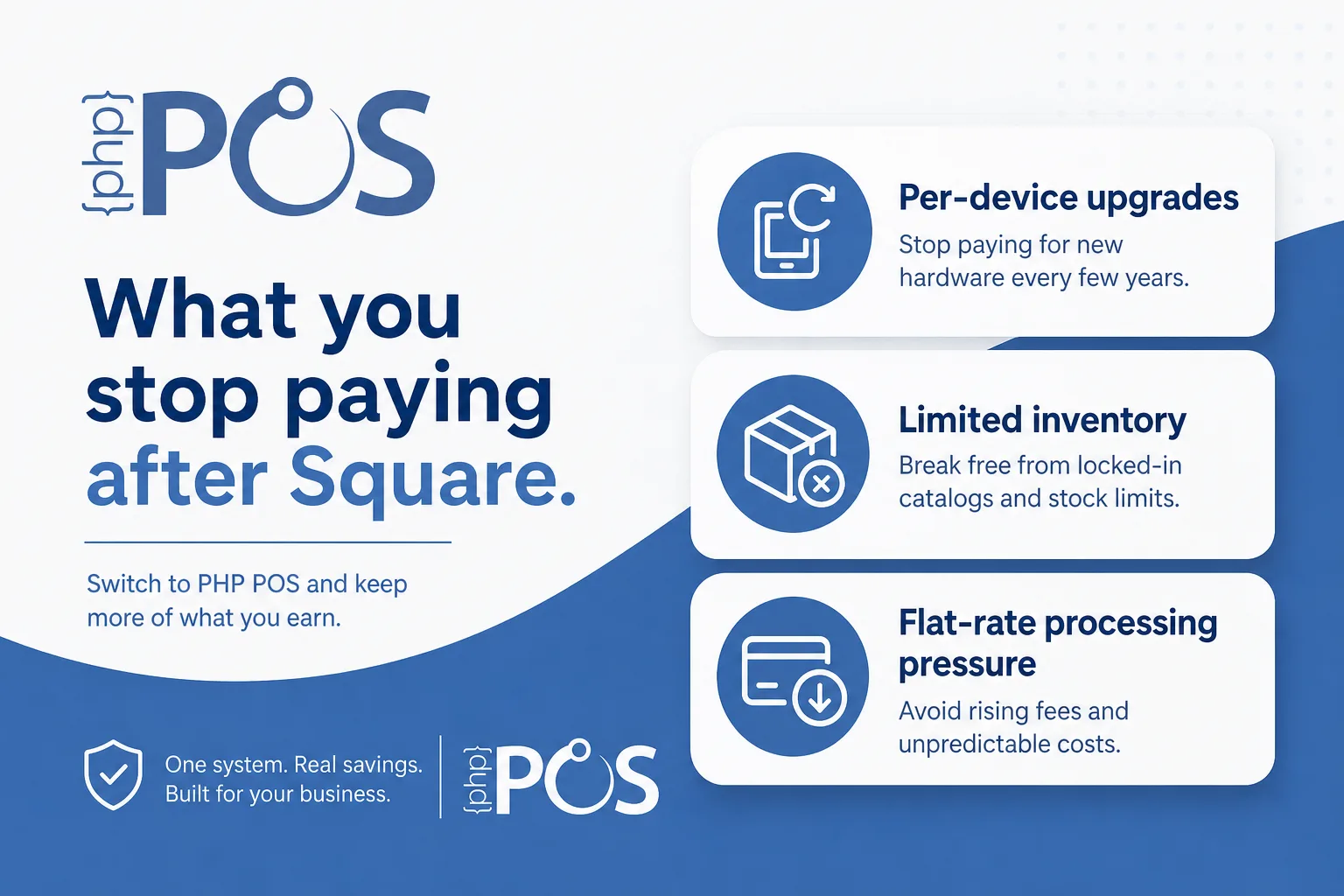
You can save by leaving Square for PHP POS when paid retail software, register growth, and staff-time workarounds cost more than $54.00 per location per month on annual Standard billing. Savings are largest when you would otherwise add a second or third till and pay again for software capacity.
Example comparison frame (replace with your figures):
| Cost layer | Square path (typical growth) | PHP POS path |
|---|---|---|
| Software | Free tier, then paid retail plans | From $54.00/location/mo annual |
| Extra registers | Often more hardware plus plan pressure | Unlimited registers per location |
| Employees | Varies by tools and plan | Unlimited per location |
| Inventory depth | Stronger on paid tiers | Included retail workflows |
| Processing | Flat-rate simplicity | Square, Stripe, PHP POS Payments, or compatible gateways |
Pro is $79.00 per location per month on annual billing if you want PHPPOS Genie, the Custom Label Designer, the Custom Receipt Designer, and PrintNode. Confirm live numbers on buy.php.
What data should you export before you leave Square?
You should export items, customers, suppliers or vendors, gift cards if used, and recent sales reports you need for taxes or accounting before you leave Square. Clean barcodes, variants, and tax categories during export so import into the new POS is faster.
Export checklist:
- Item names, SKUs, barcodes, prices, costs, quantities
- Customer names, emails, phone numbers, store credit balances if applicable
- Gift card outstanding balances
- Category and tax mappings
- Employee list for permissions rebuild (do not reuse passwords)
Keep a backup CSV offline. Do not cancel Square until the new system has completed a clean parallel day.
How do you switch from Square without losing data or sales?
Switch from Square without losing data or sales by importing into PHP POS, reconnecting payments, training staff, and running parallel sales for at least one full business day before you decommission Square.
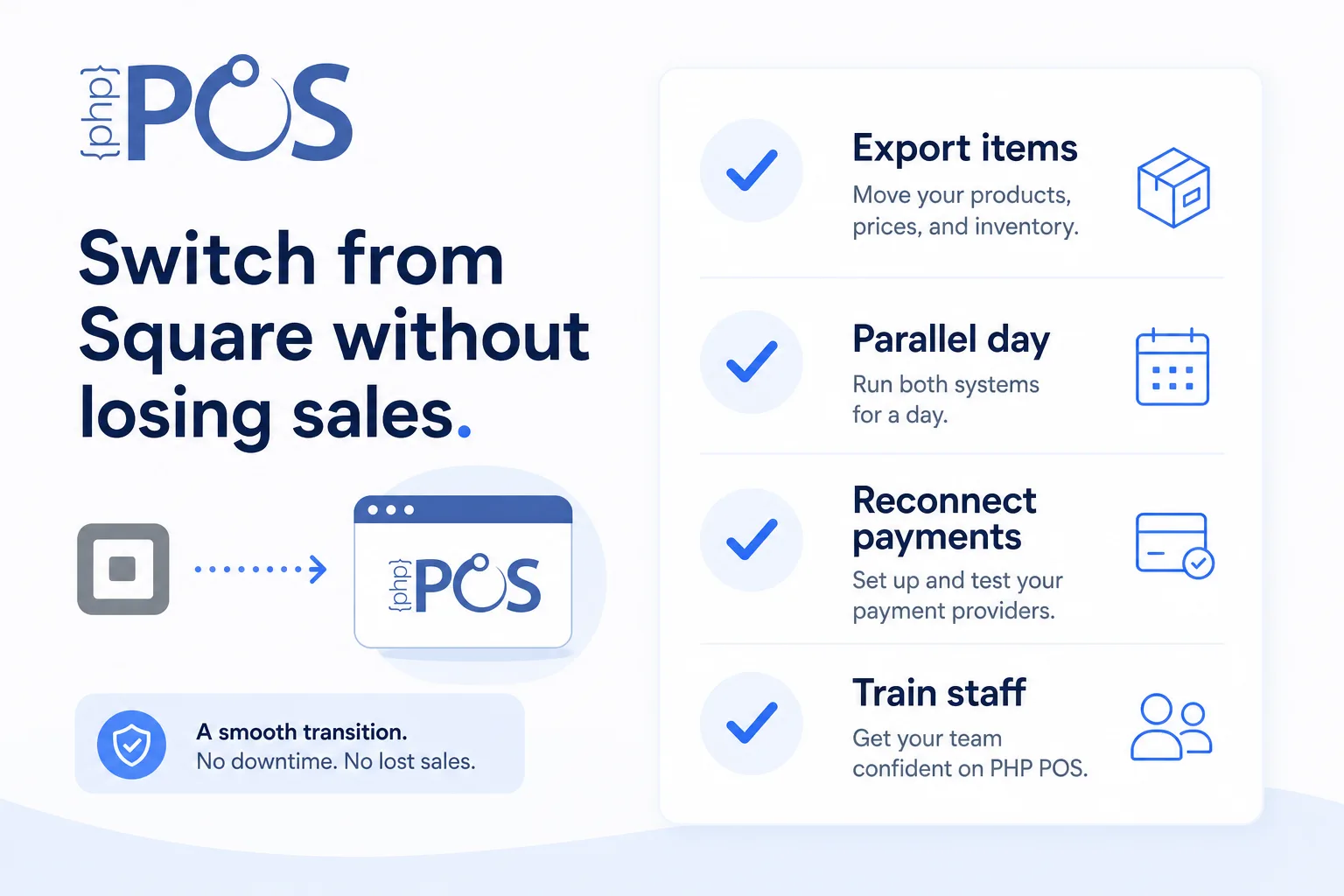 PHP POS migration path:
- Export Square items, customers, and gift cards if available
- Start a 14-day free trial (no credit card required)
- Bulk import on the features page
- Map tax rates, receipt settings, and user permissions
- Connect payments via PHP POS Payments, Square, Stripe, or a compatible gateway
- Pair supported hardware from the hardware page
- Train cashiers on refunds, discounts, layaways, and end-of-day close
- Run one parallel day with both systems
- Go live, then cancel Square after a clean closeout
Need white-glove help? Book a demo or contact PHP POS.
How long does a Square to PHP POS migration take?
A Square to PHP POS migration usually takes one to two weeks for a single-location retailer with a clean catalog. Cloud setup itself can be online within about 30 minutes, but catalog cleanup and staff practice take longer. Give yourself three to five days before a busy weekend or holiday rush.
Timeline many stores follow:
- Day 1: export and trial signup
- Days 2 to 3: import, tax, payments, hardware
- Day 4: staff training and test transactions
- Day 5: parallel day and go/no-go decision
- After go-live: cancel Square when inventory matches
Multi-location stores should stage one location first. See best POS for multi-location retail stores.
What usually gets cheaper after you leave Square?
What usually gets cheaper after you leave Square is the combination of paid retail plan fees, friction adding registers, and hours spent fixing inventory in spreadsheets. Processing may also improve if you move to a rate structure that fits your volume, but that is not automatic. Measure it.
Cost areas to watch after cutover:
- Software: per-location PHP POS vs paid Square retail tiers
- Registers: unlimited at one address on advertised PHP POS plans
- Labor: less double entry between POS and sheets
- Hardware: buy compatible gear once instead of leasing into a bundle
- Processing: compare effective rates for 90 days after switch
Related reading: Square for Retail too expensive alternative and the best POS for small business.
Can you keep ecommerce working while switching POS?
Yes, you can keep ecommerce working while switching POS if you plan channel sync carefully. PHP POS syncs inventory with one ecommerce platform at a time — Shopify, a separate app billed through Shopify at $29.00/month, or WooCommerce, included at no extra cost. If you used Square Online, decide whether to keep that storefront, move to Shopify or WooCommerce, or pause online selling during cutover.
Do not flip both POS and ecommerce on the same morning unless you have tested quantity sync on a handful of SKUs first.
When should you not switch from Square yet?
You should not switch from Square yet if you are inside peak season, staff cannot train this month, your catalog export is a mess, or the projected savings are smaller than the disruption risk. Fix data quality first, then migrate in a quiet week.
Also pause if your only goal is a slightly lower processing quote and your current effective rate is already competitive. POS switches should fix operations and total cost, not chase a one-cent rate change.
FAQ
How do I switch from Square to a cheaper POS without downtime?
Export data, import into the new system, run parallel sales for a day, then cut over after close. Avoid mid-shift switches on your busiest day.
Is PHP POS cheaper than Square Plus or Premium?
Often for multi-register retail because PHP POS bills per location with unlimited registers on advertised plans. Confirm your Square plan and processing against PHP POS pricing.
Will customers notice when I leave Square?
They notice speed, receipts, and loyalty redemptions. Practice those workflows before go-live so the counter feels familiar.
Can I reuse my Square card reader?
Many readers are ecosystem-tied. One exception, on a phone or tablet: PHP POS's mobile app can hand the charge off to the Square app on that same device, so a reader already paired to Square keeps working there — but only inside the mobile app on iOS or Android, not on a desktop register. On a counter, pair a Square Terminal to the register instead. Confirm compatible options on the hardware page before you assume reuse.
What if I only want cheaper processing, not a new POS?
Ask for rate quotes first. If software and inventory are fine, a processor change alone may be enough. If inventory tools are the pain, change POS and revisit processing together.
How do I know the switch worked?
Inventory counts match, end-of-day reports reconcile, refunds work, and card batches settle for two to three consecutive days. Then cancel Square.
Bottom line
Switching from Square to a cheaper POS is a total-cost project, not a free-tier scavenger hunt. For inventory-led stores, start with PHP Point of Sale: trial, import, parallel day, then cancel Square. Explore features, review pricing, and book a demo if you want help planning the cutover.